
Scroll to explore ↓
YOUR MINI WEBSITE. ONE LINK.
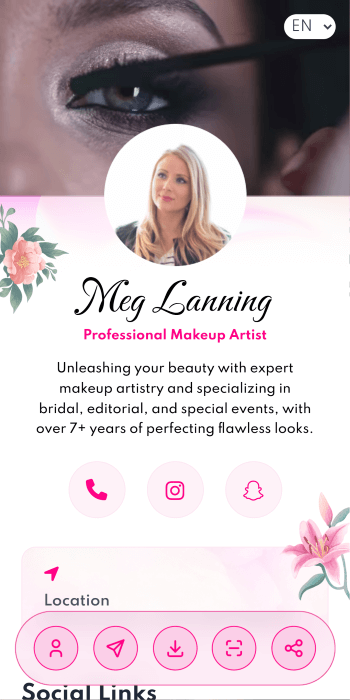
Introduce yourself or your business with a page that brings everything together. Share your profile, services, contact details and social links through one link or QR code.
No app needed for visitors.
Templates
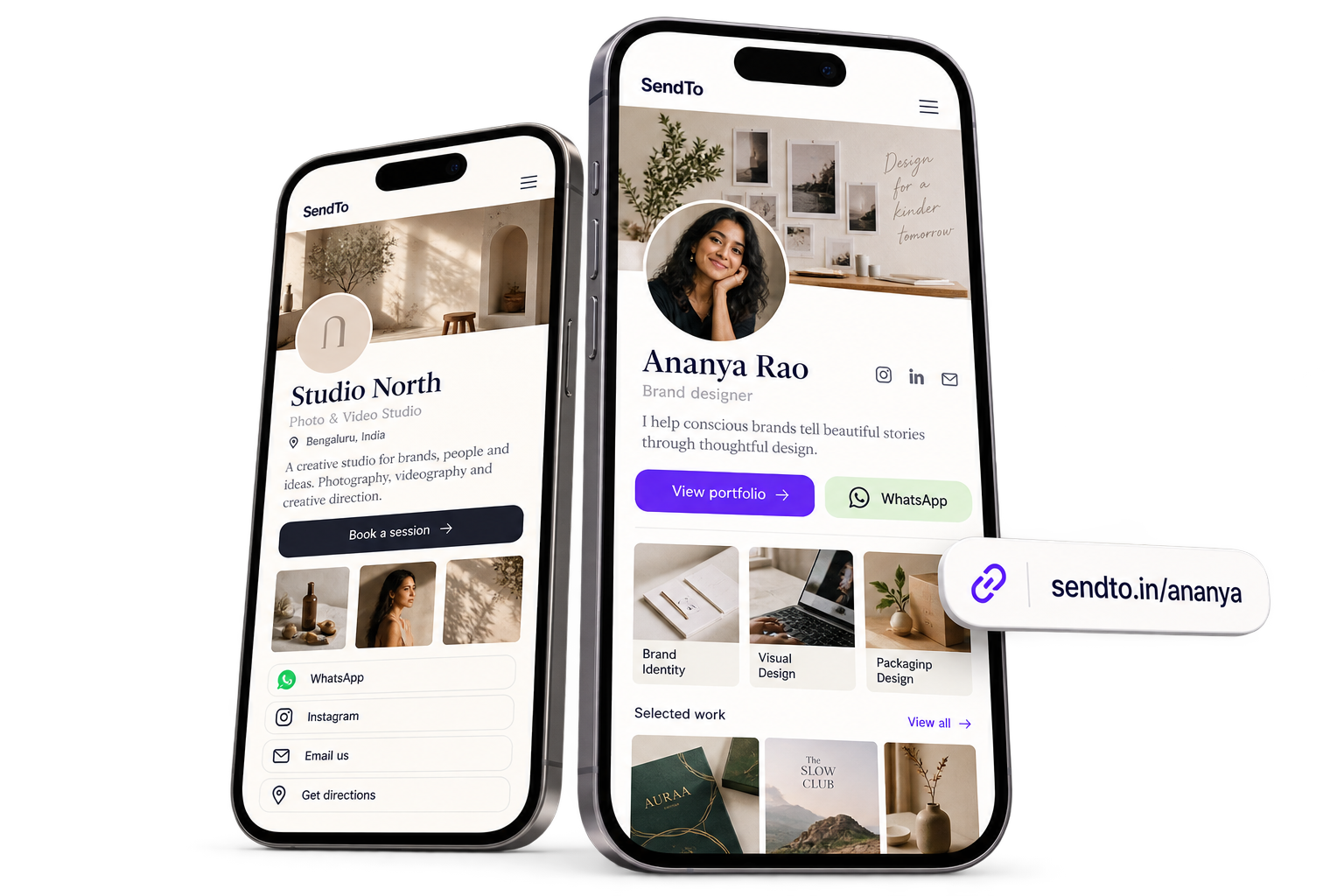
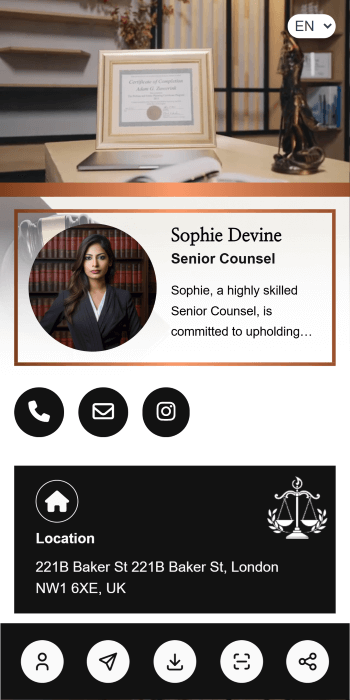
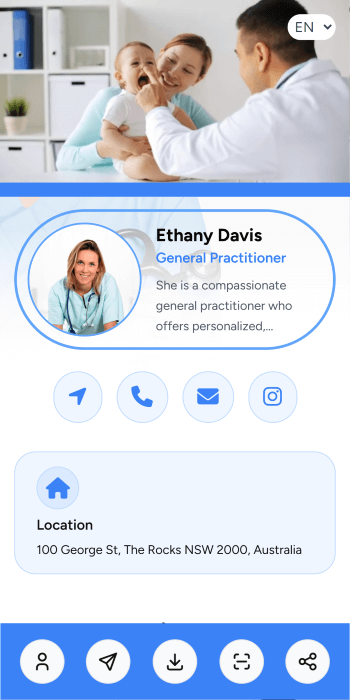
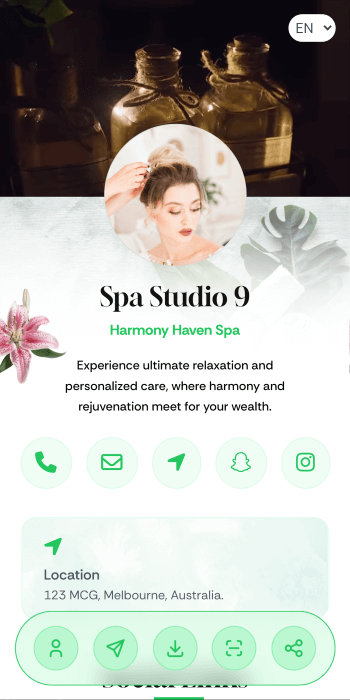
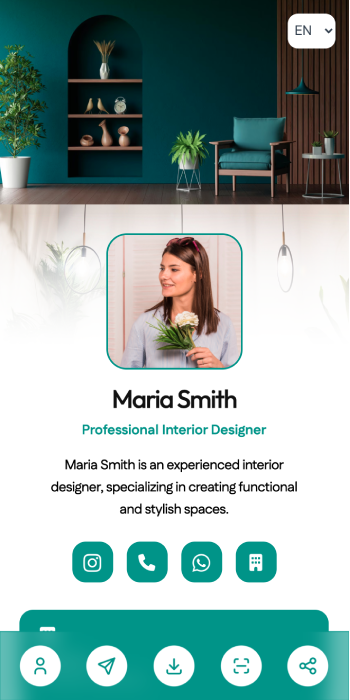
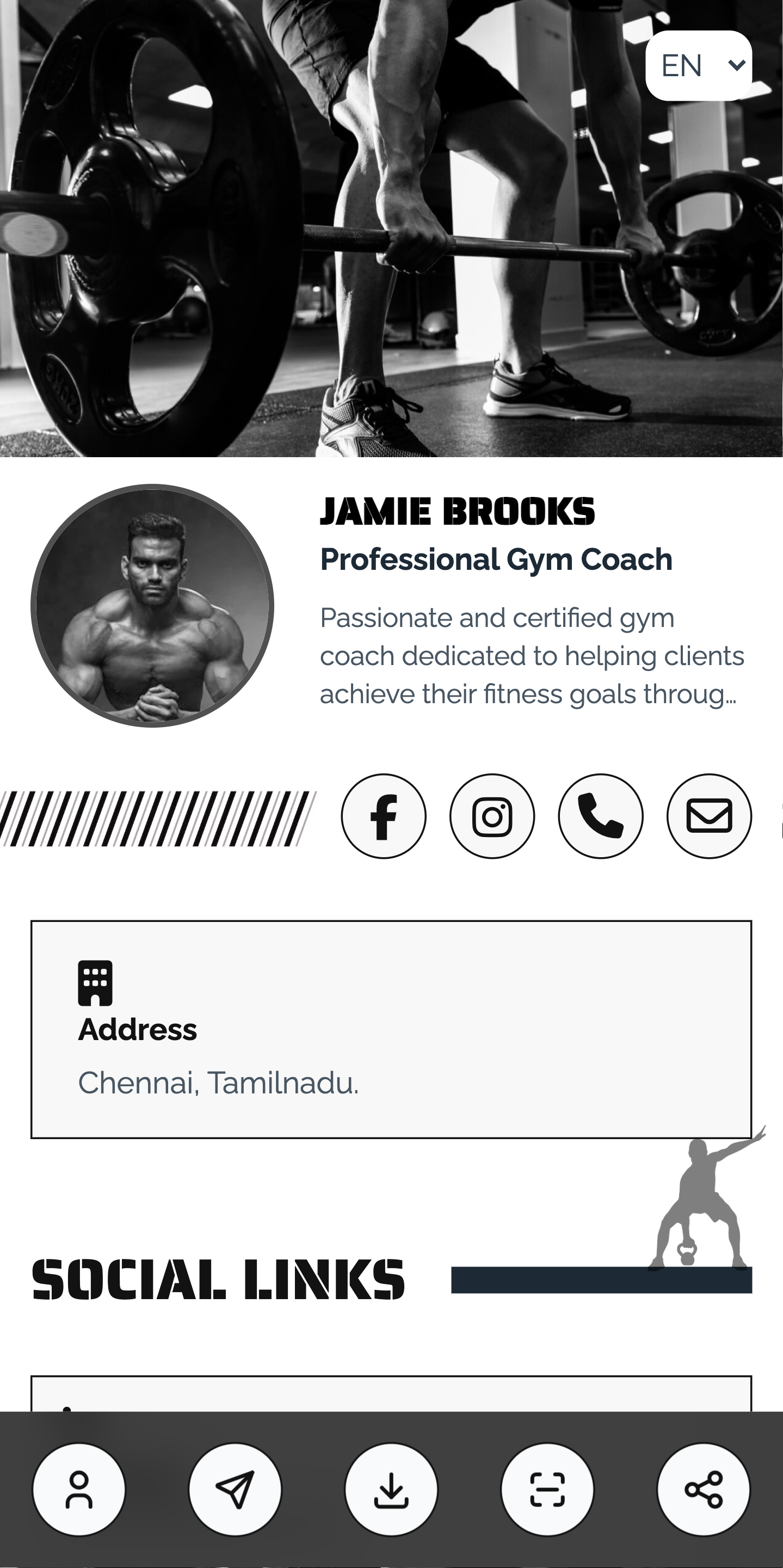
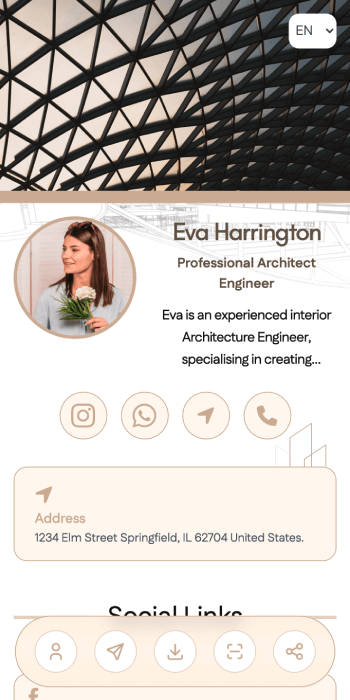
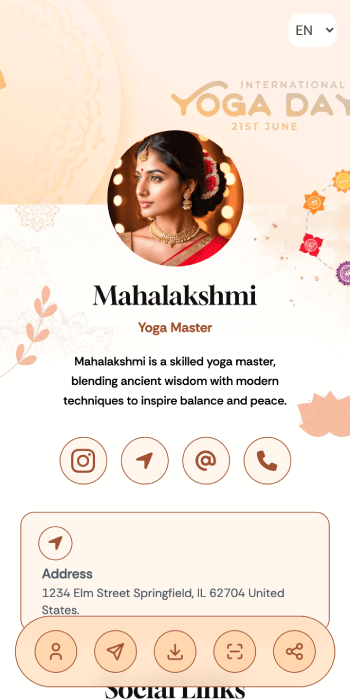
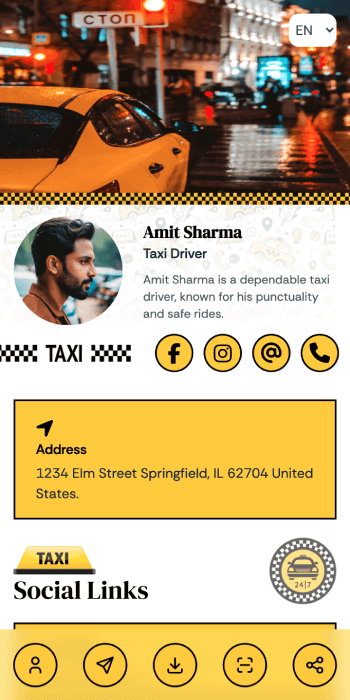
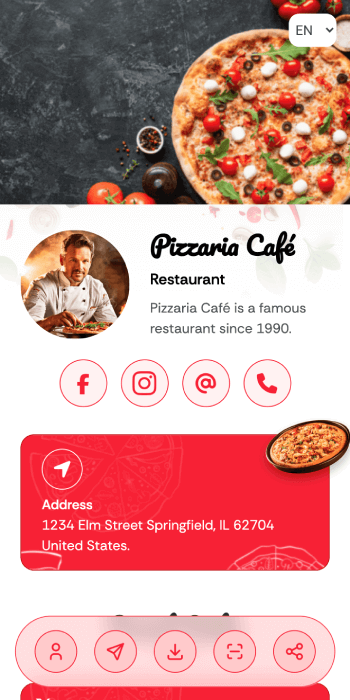
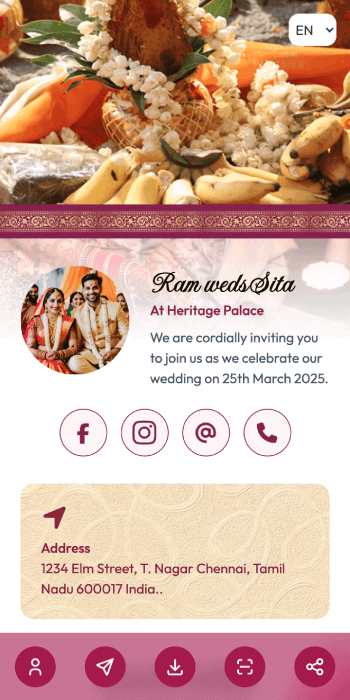
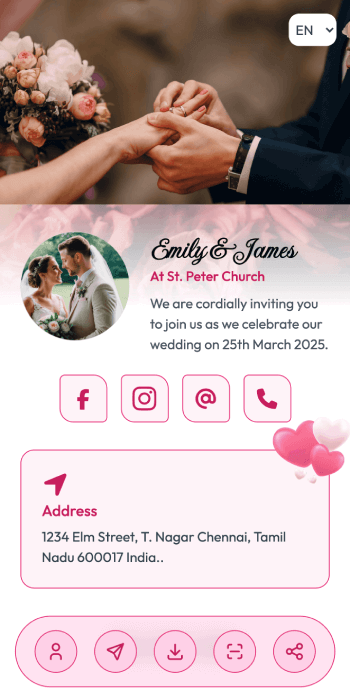
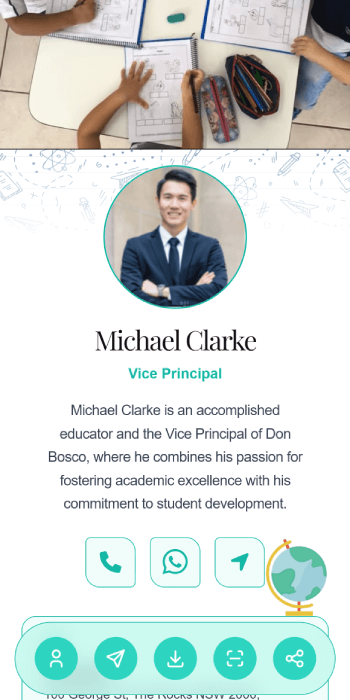
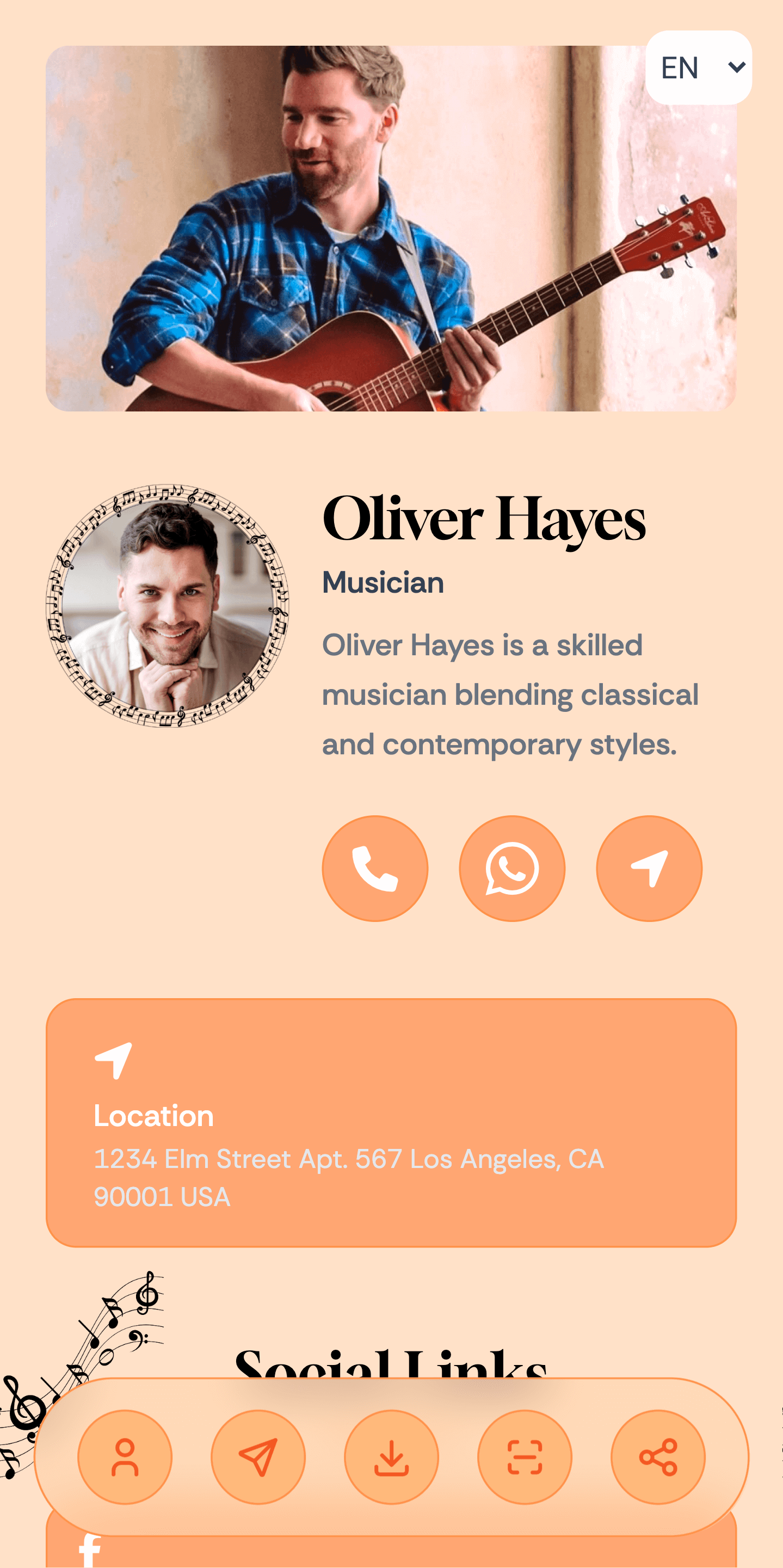
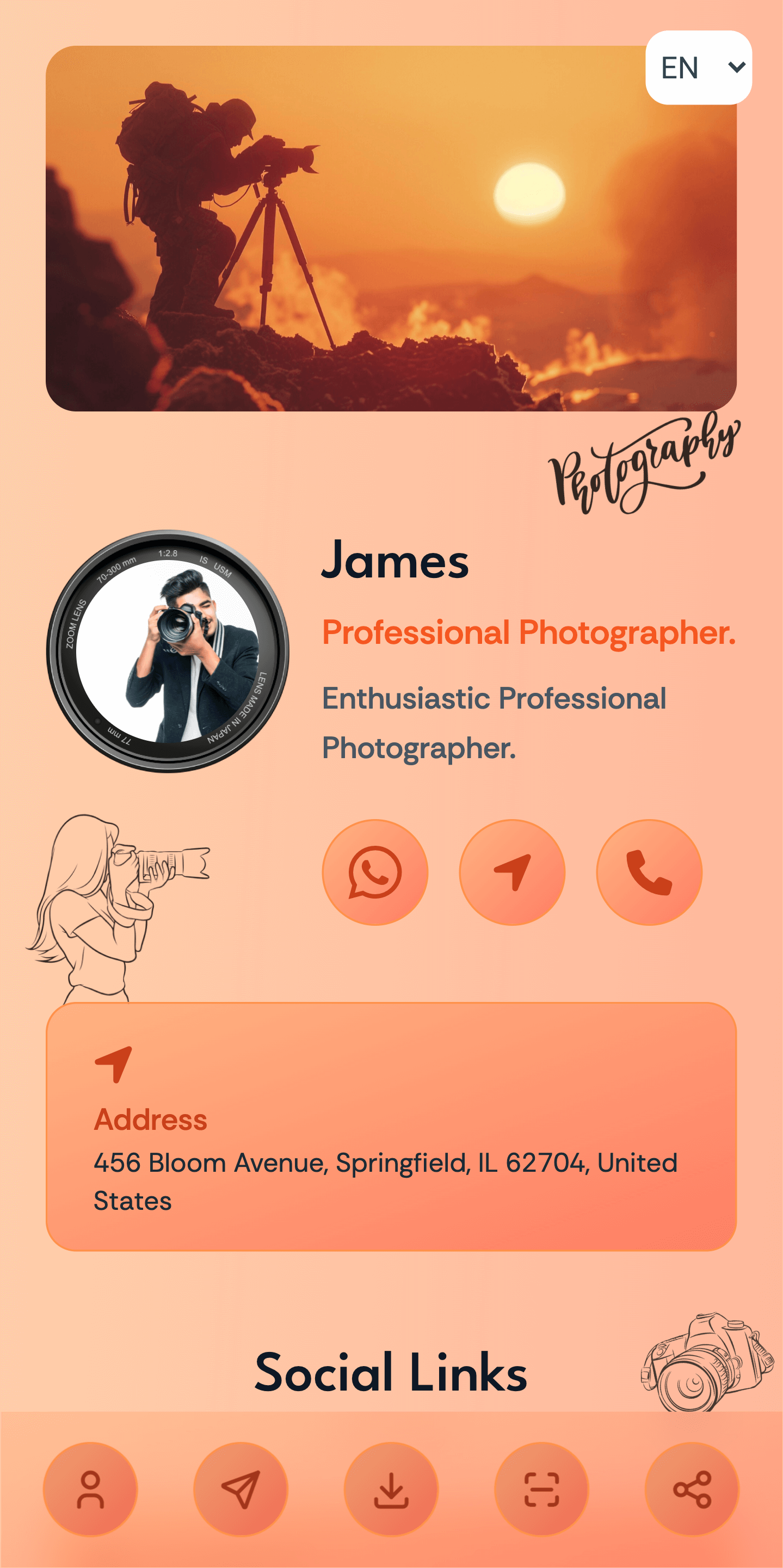
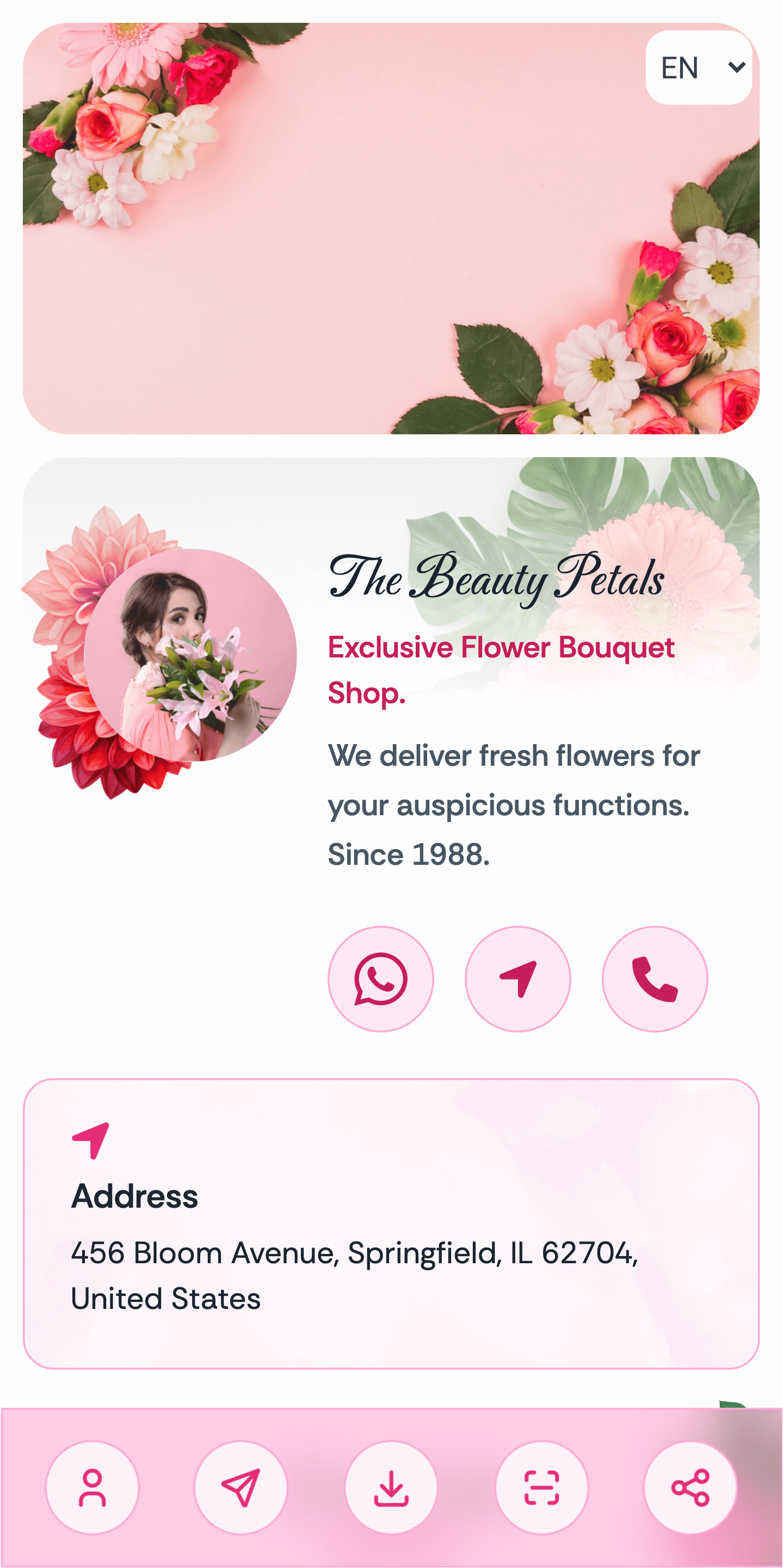
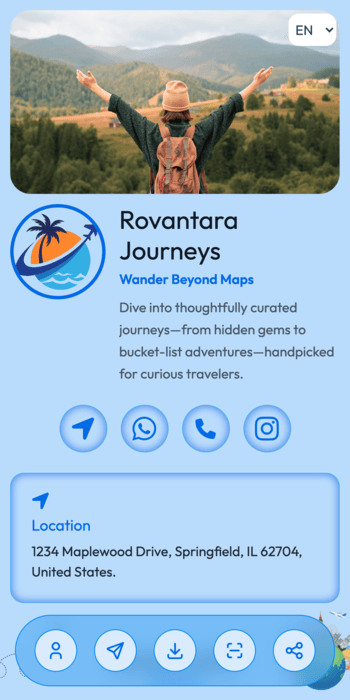
Choose a template, make it yours and share your link in minutes.
Scroll to explore ↓
Scroll to explore ↓
Scroll to explore ↓
Scroll to explore ↓
Scroll to explore ↓
Scroll to explore ↓
Scroll to explore ↓
Scroll to explore ↓
Scroll to explore ↓
Scroll to explore ↓
Scroll to explore ↓
Scroll to explore ↓
Scroll to explore ↓
Scroll to explore ↓
Scroll to explore ↓
Scroll to explore ↓
Scroll to explore ↓
Scroll to explore ↓
Scroll to explore ↓
Scroll to explore ↓
Scroll to explore ↓
Scroll to explore ↓
Scroll to explore ↓
More Than a Business Card
Give visitors a direct way to start a WhatsApp conversation using the number you choose to publish.
Showcase your work, products or business with images in your page’s gallery.
Help visitors understand what you offer with service images and descriptions.
Display the payment details or methods you accept, using the options available on your plan.
Show your opening hours so visitors know when your business is available.
Share a YouTube introduction, product demonstration or other video through your page’s supported video options.
Add your business location through the available map options to help visitors find you.
Bring your social profiles together so visitors can choose where to follow and connect with you.
Choose from the templates available on your plan and personalise your page with your information and images.
Present your introduction, services and contact options in organised sections that visitors can browse.
Keep your information current through your dashboard. Your shared link stays the same while your page address remains unchanged.
Give people one address for your page. Personalised page addresses are subject to availability and your selected plan.
How it works?
Create an account, choose an available template and add your details. Publish your SendTo page and share it on WhatsApp, social media, your email signature or printed materials.
Add photos of your products, projects or business so visitors can see what you offer.
Explain what you do with service descriptions and available enquiry options.
Let visitors save your published contact details to their phone using a downloadable contact card.
Use SendTo as your mini website, digital business card or link in bio. Share your page link directly or let people scan your QR code.
Create a page for your personal profile, professional work or business—all with one link to share.
Add your name, photo, introduction, services and contact details. Update your page through your dashboard whenever something changes.
Plans and Pricing
Compare page limits, storage and included features before you choose.
Your first mini website, free.
No expiry
Get StartedYour professional page, one annual payment.
1 Year
Get StartedRecommended
Your professional page for five years. Save 50%.
5 Years · One-time payment
Get StartedA little clarity
Everything you need to know about creating, updating and sharing your SendTo mini website.
SendTo helps you create a mini website for yourself or your business. Bring your profile, contact details, services and social links together on one page that you can share through a link or QR code.
No coding skills or separate hosting are needed to create a page on SendTo. Choose an available template, add your details and publish your page. The features and usage limits available to you depend on your selected plan.
Yes. Sign in to your SendTo dashboard to update your page details, images, services and links using the options available on your plan. If your page address stays the same, you can keep sharing the same link and QR code.
Custom domain support is available on plans that include this feature. Check the current plan details before subscribing. You will need to own the domain and configure its DNS settings to connect it to SendTo. Domain registration and renewal are separate from your SendTo plan.
Your selected plan determines how many pages you can create and which features are included. Check the Pricing section for page limits, templates, storage and other features before choosing a plan. You can use your page as a mini website, digital business card or link in bio.
Email mini@sendto.in or use the Contact Us page. Include your account email, page link and a short description of your question. For payment enquiries, include your transaction reference. Never share your password, OTP, card PIN or CVV.